OUR PRODUCTS & PLATFORMS

Find the workspace that fits your operation.

Explore the systems we build through real project interfaces. Each platform brings a different part of the working day into focus.

EXPLORE THE WORKSPACES

Different operations. Purposeful systems.

Real screens from Altarize, ARS, By & Large, YachtSourcing, and Bistro Legend & Bar show the kinds of platforms we develop.

05 software areas
01CONNECTED DEPARTMENTS

Modular business ERP

One business workspace with room for accounting, sales, production, HR, projects, samples, contracts, and scheduling.

  • Accounting & sales
  • Production & HR
  • Projects, samples & client control
View related work
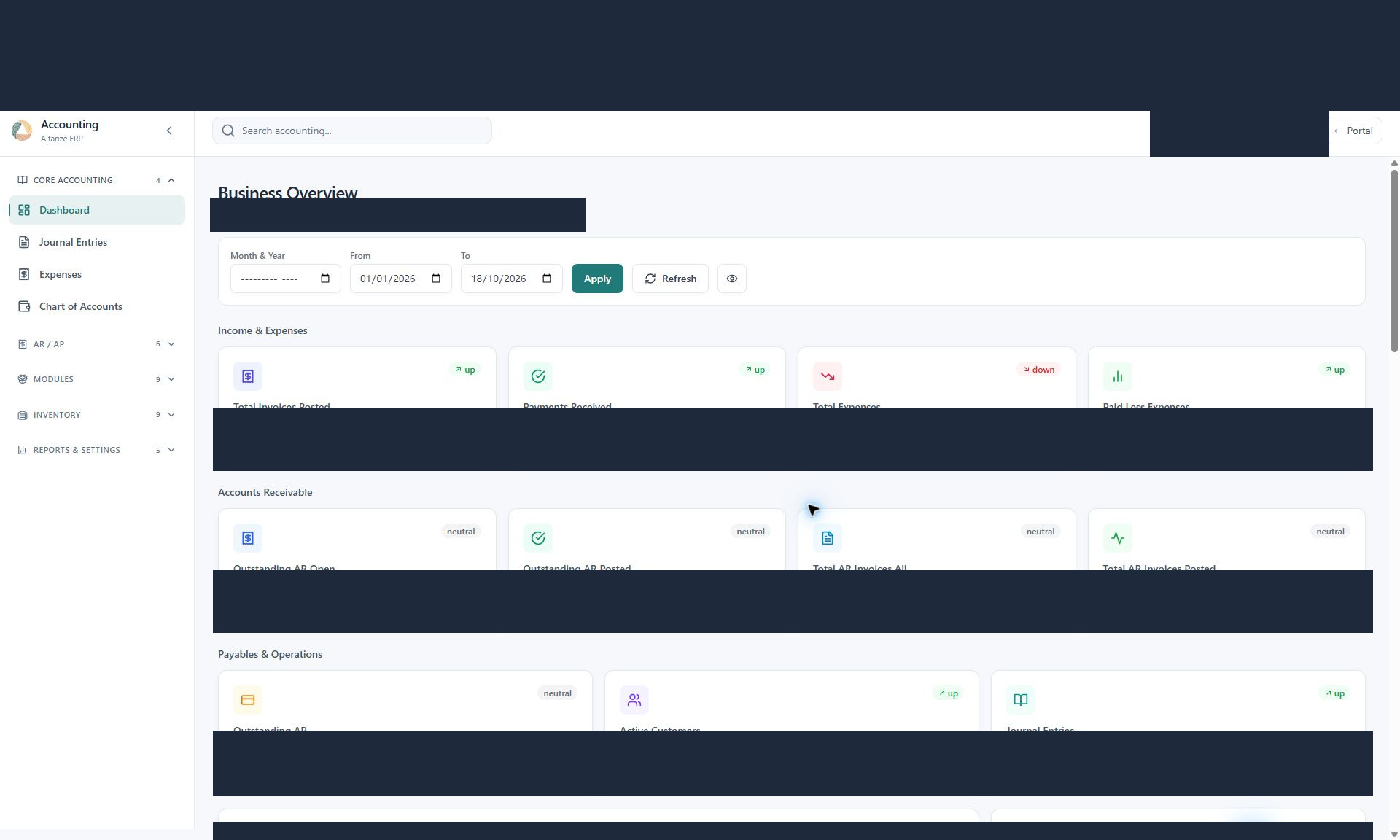
Altarize accounting workspace with financial summaries and navigation to its operational modules
In practice: Altarize. Modules and access are shaped around the departments involved.
02PRODUCTION & COST CONTROL

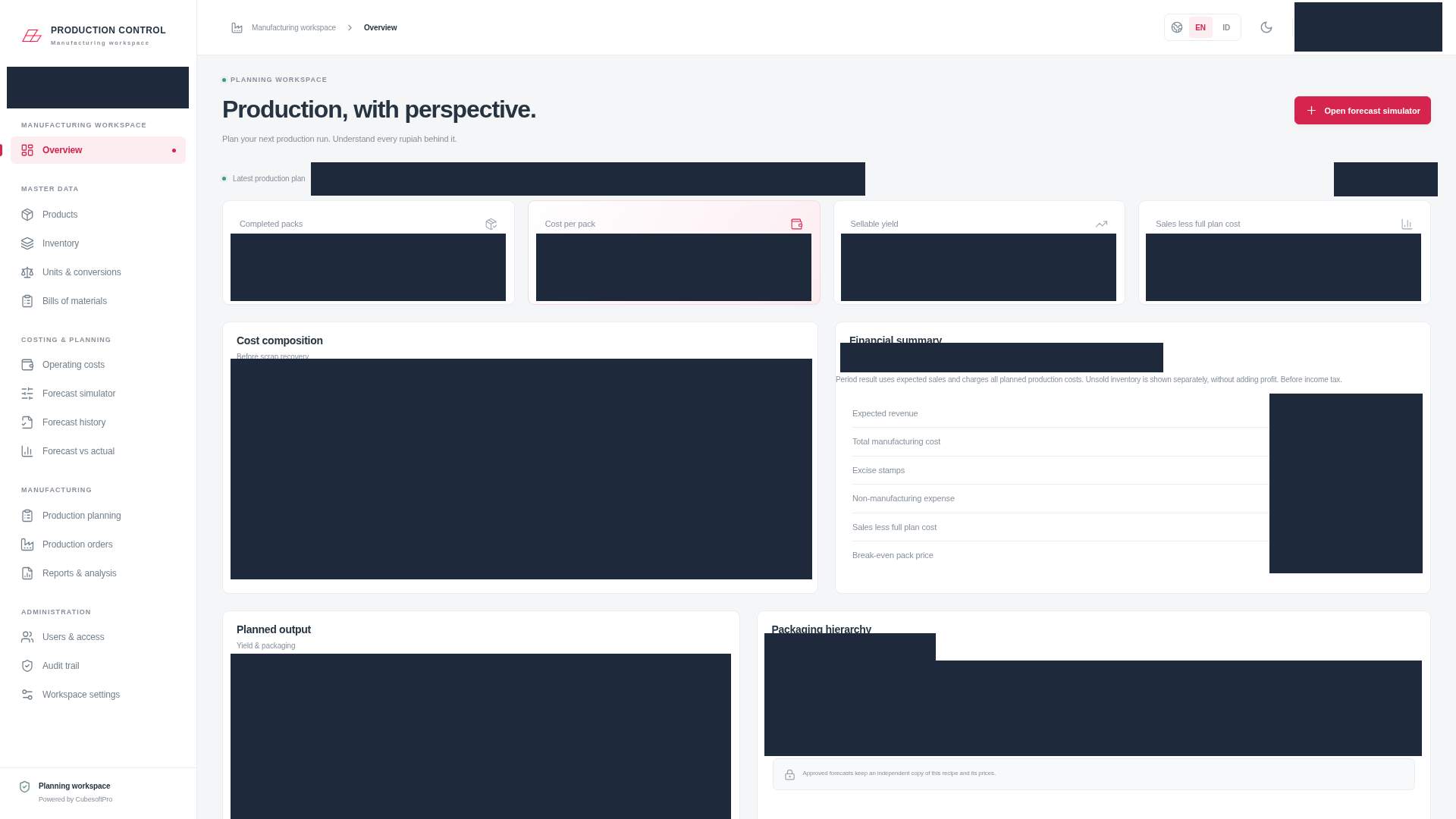
Manufacturing planning workspace

A workspace for understanding what a production run needs, what it will cost, and how the actual results compare with the plan.

  • BOM, inventory & unit conversions
  • Cost & capacity simulation
  • Production plans & forecast vs actual
View related work
ARS production overview showing cost composition, planned output, financial summaries, and packaging hierarchy
In practice: ARS — PT Arta Rinis Sejahtera. Planning, costing, and production records in one operational view.
03CUSTOMERS, CHARTERS & VESSELS

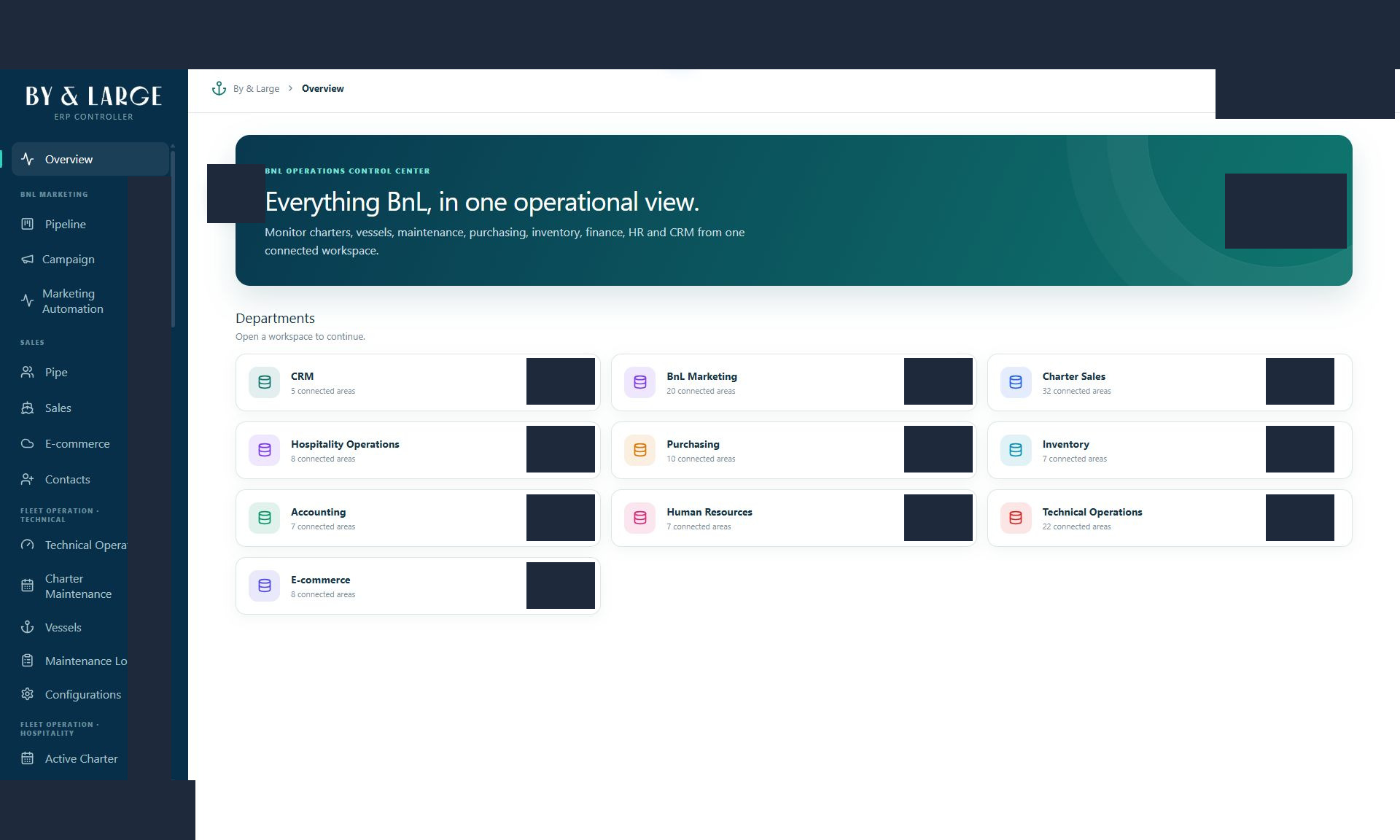
Marine operations & CRM

Connected workspaces for sales teams and marine operators, from a customer enquiry to charter activity and vessel maintenance.

  • Customer & opportunity pipelines
  • Charter sales & reporting
  • Vessel & maintenance workflows
View related work
By & Large operations overview linking marine business departments and workflows
In practice: By & Large and YachtSourcing. The workspace follows each business’s sales and operational needs.
04FLOOR TO INVOICE

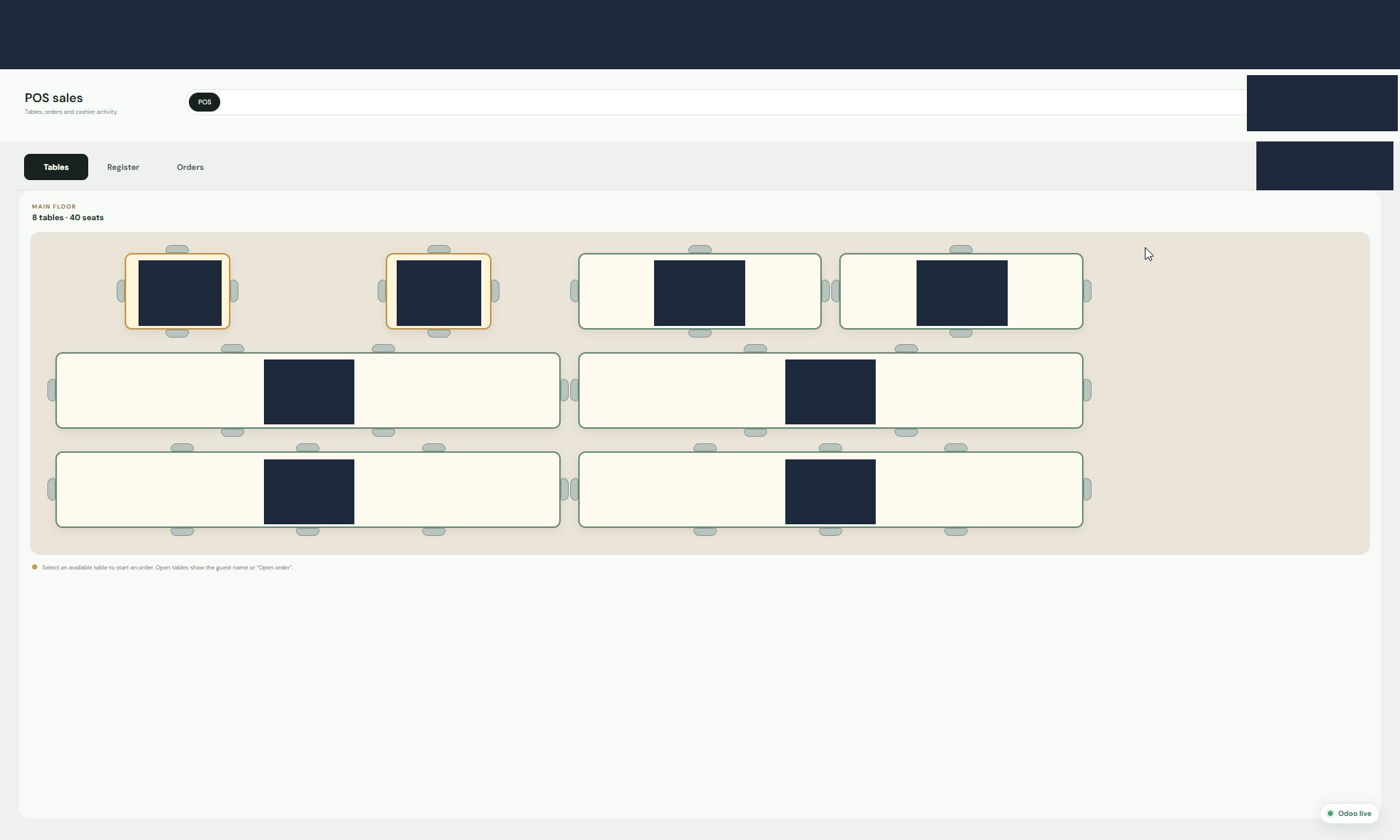
Restaurant POS workspace

A visual floor plan and table ordering workflow connected to the register, order records, and invoice details.

  • Floor plans & table status
  • Table orders & register
  • Order history & invoicing
View related work
Bistro Legend & Bar point of sale showing the restaurant floor plan and tables
In practice: Bistro Legend & Bar. Built around the steps of a restaurant service.
05FOCUSED EVERYDAY TOOLS

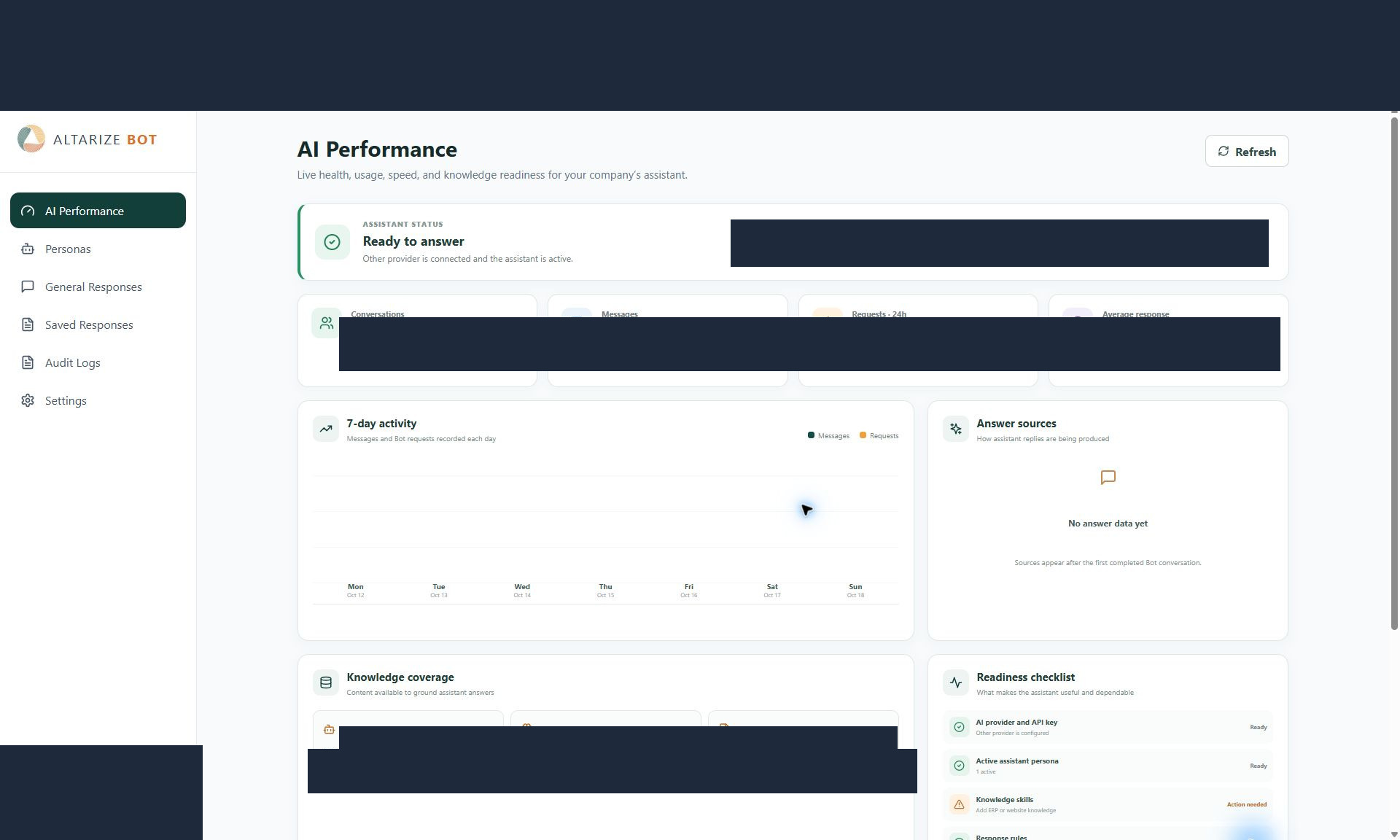
AI & workflow workspace

Purposeful tools alongside the core business system: AI assistant configuration, client contracts, sample management, and shared calendars.

  • AI assistant configuration
  • Client contracts & templates
  • Samples & scheduling
View related work
Altarize AI assistant workspace with performance and configuration tools
In practice: Altarize. Select the workflows and assistant features that fit the project.
SHAPED TO YOUR REQUIREMENTS

Start with the right platform. Define the details together.

These platform families describe the kinds of systems we build. The exact modules and implementation are agreed for your business.

We define the workflows, calculations, user access, integrations, data, and deployment needs with you. That may mean a focused workspace for one team or a connected system across several departments. The screenshots show existing project work; the scope of your implementation is agreed around your own operation.

Choose a starting point by looking at the records your team needs to manage. A department ERP may bring accounting, sales, HR, and project activity together. Manufacturing planning needs more detail about bills of materials, inventory units, production capacity, and forecast costs. Marine CRM follows contacts, opportunities, charters, and vessel activity, while restaurant POS follows tables, orders, and invoices. AI assistants, contracts, samples, and calendars can support specific tasks around those core records.

The platform choice is only one part of the brief. Identify which users create, review, or update each record, what existing data needs to be brought across, and which other tools must exchange information with the application. Example transactions and reports help define the calculations and outputs to review before handover. Bring a sample workflow to the discussion so we can relate these platform examples to the work your team needs to complete.

FIND YOUR STARTING POINT

Which part of your operation should connect next?

Tell us which workspace is closest to your needs and what your team needs it to do.